We have included this feature of analogue photography in picdrop, so that every photographer has the possibility to save a contact sheet of his or her galleries from within picdrop. There, e.g. printed out, notes can also be entered by hand.
What is a contact sheet used for?
A contact sheet is a great way to compare, evaluate and get an overview of your images – exactly because the images are shown in a small size and all together.
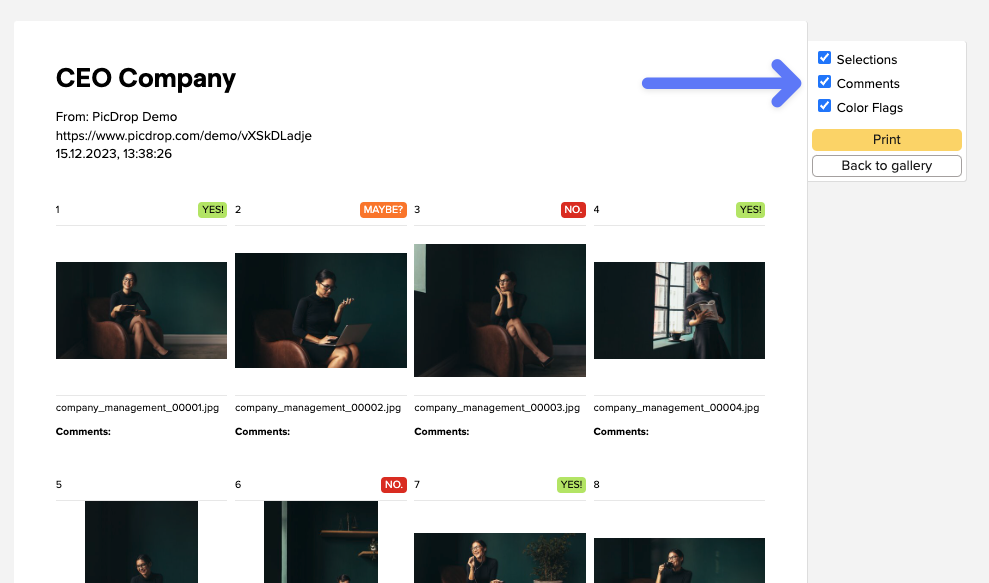
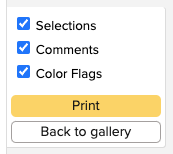
On the contact sheet you have all images of the gallery at a glance and can also choose whether the color markings, comments and selections from picdrop should be directly visible.
The contact sheet always contains all images of your gallery, as already in analogue times the whole film roll was content of the contact sheet.
How do I create a contact sheet in picdrop?
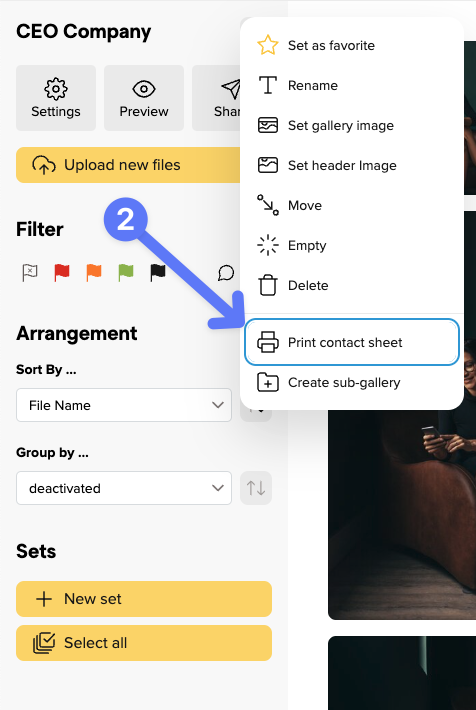
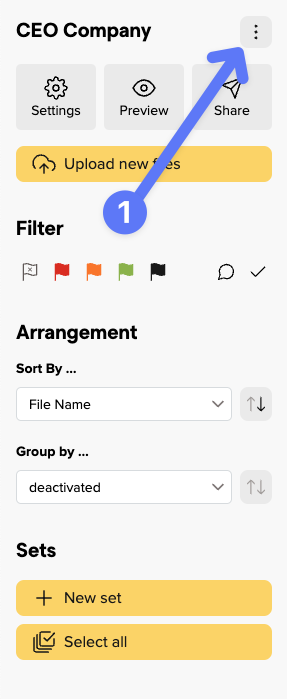
You can create a contact sheet in every gallery by clicking on “print contact sheet” in the gallery menu…
… and then either print it, or save it as PDF with the help of the system dialogue.