
In picdrop there are two search and filter tools:
- the search bar on top of your screen (through the magnifying glass symbol) and
- the filter bar to the left in every gallery
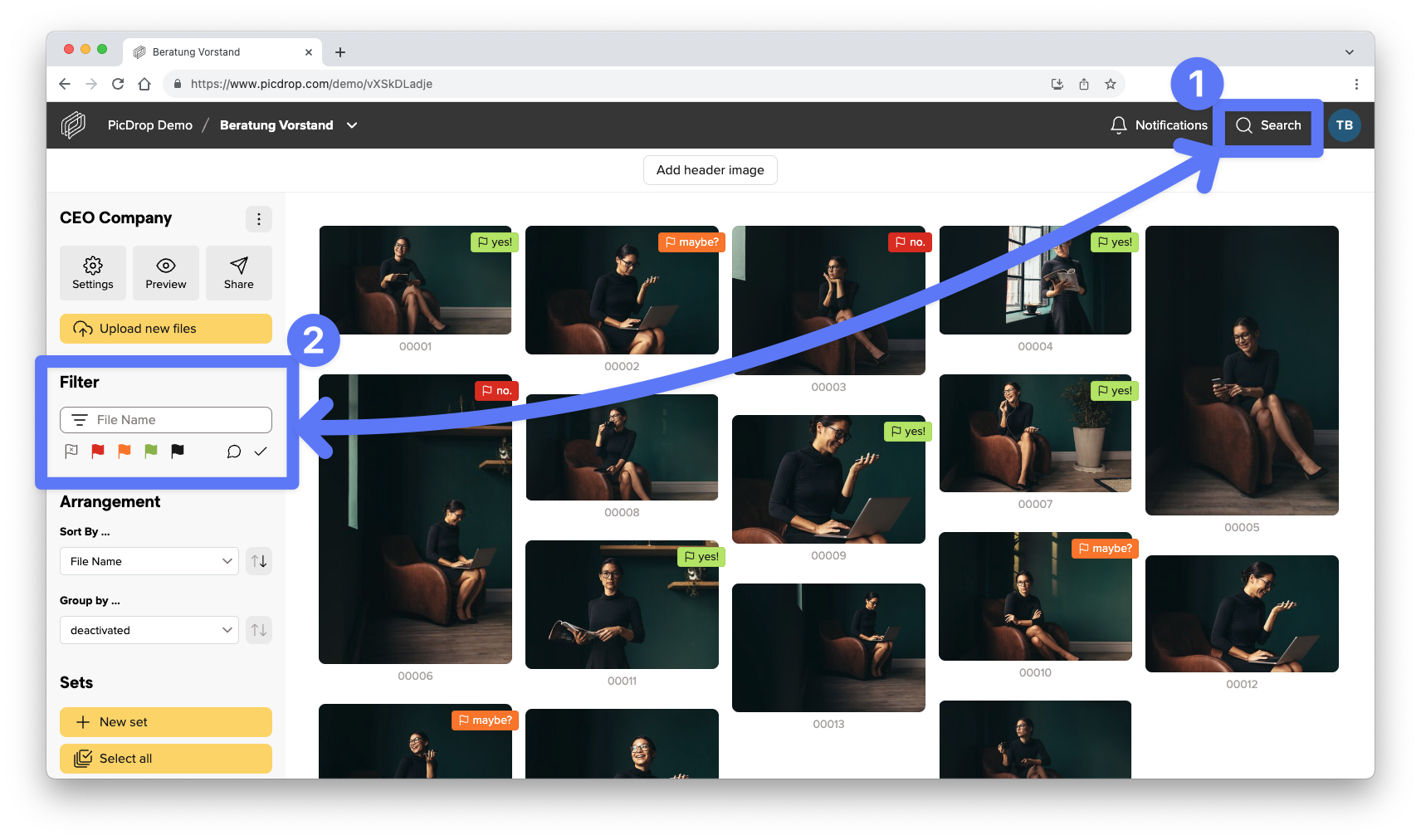
These differ in who has access to them, what can be searched for and from which area results are found.
Here you can find a short list of who can use what – and where to search for what:
The search bar (through the magnifying glass symbol)
… is available for Account Owners and Team Members.
… searches file names, gallery names and IPTC metadata.
… finds results in the whole account or only the current gallery and its sub-galleries (depending on which section you have selected).
You can also use the search function to download search results in bulk or add them directly to a collection. We’ll explain how to do this here.
The filter bar
… is accessible for Account Owners, Team Members, and your regular clients who use a gallery link.
… only filters the filenames of the gallery you are currently in.
… shows results directly the gallery you are in at the moment.