
picdrop allows you to customize all the details of your galleries to best suit you and your clients.
With the following settings you can create your personal gallery look:
1. The opener in the Presentation Mode allows you to:
✅ select a font
✅ adjust the position and size of the gallery title
✅ set the brightness for the gallery title
✅ an alternative title for your gallery
✅ a suitable “Open gallery” button

2. for the gallery image overview in the Presentation Mode, you can adjust the following:
✅ the background color of the gallery
✅ the size of the thumbnails
✅ the spacing of the thumbnails
✅ the choice between a round or square look
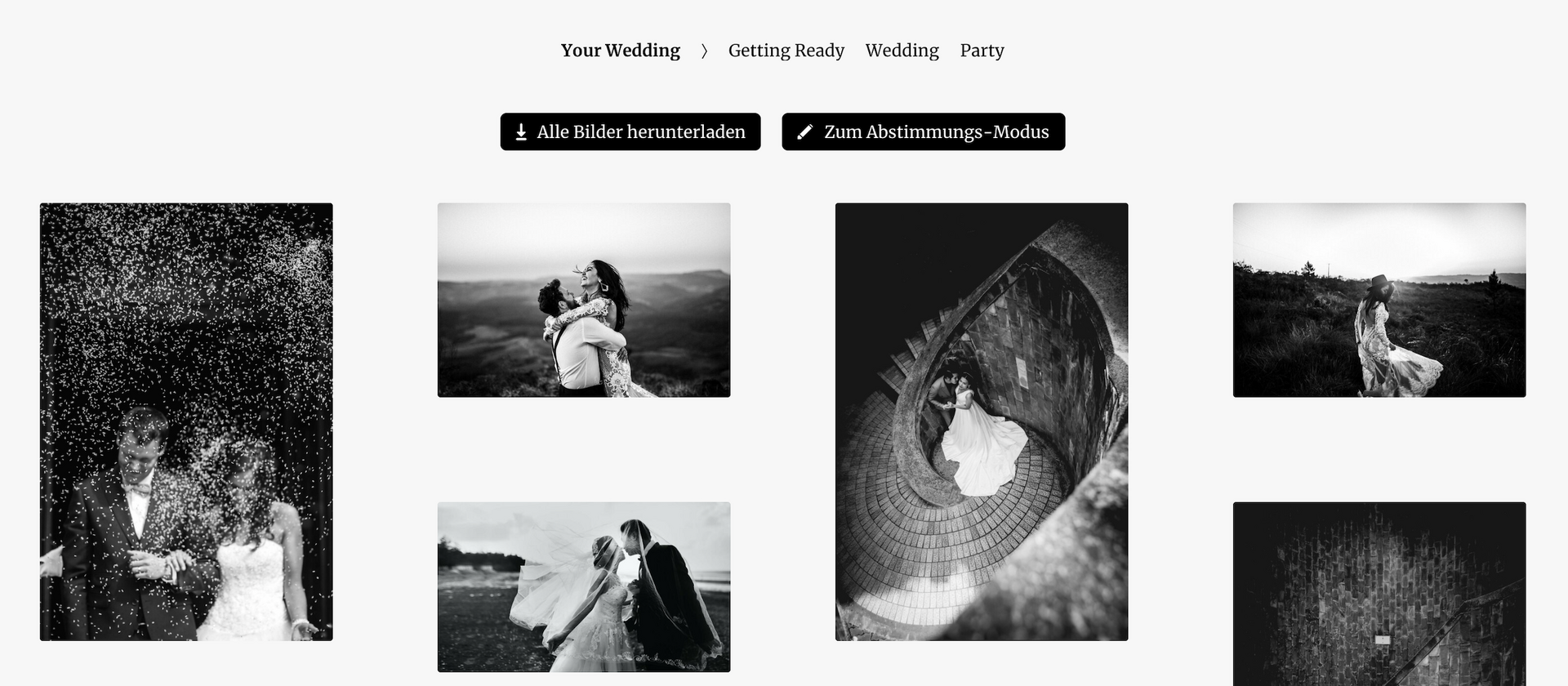
All buttons in the gallery adjust automatically to your color and font selection.