

In some shoots, every minute counts. At a sports event, trade fair or live production, the first images should not have to stay on a memory card or computer before they can be shared, reviewed or published. They should arrive where photographers, teams, clients or editors can start working with them right away.
That’s exactly what Live Push is made for.
With Live Push, images can be sent directly from the camera to a selected picdrop gallery. Once the connection is set up, new images are transferred automatically. Photographers can keep working while teams can already review, select, edit or share the images.
Why Live Push?
Until now, uploading images to picdrop during a live production often meant an extra manual step: transferring images to a computer and then uploading them through the web upload.
That workflow is reliable, but it can be too slow when speed matters. For example, at sports events, festivals or press appointments where multiple photographers are working at the same time and social media, marketing or editorial teams need fresh images while the event is still happening.
Live Push removes that extra step. Images can land in picdrop shortly after they are taken and be processed right away while the event is still running.
For photographers, this means fewer manual uploads, fewer interruptions and more focus on shooting.
For teams, this means faster access to fresh visual material that can be reviewed, selected, edited or published right away.
How it works
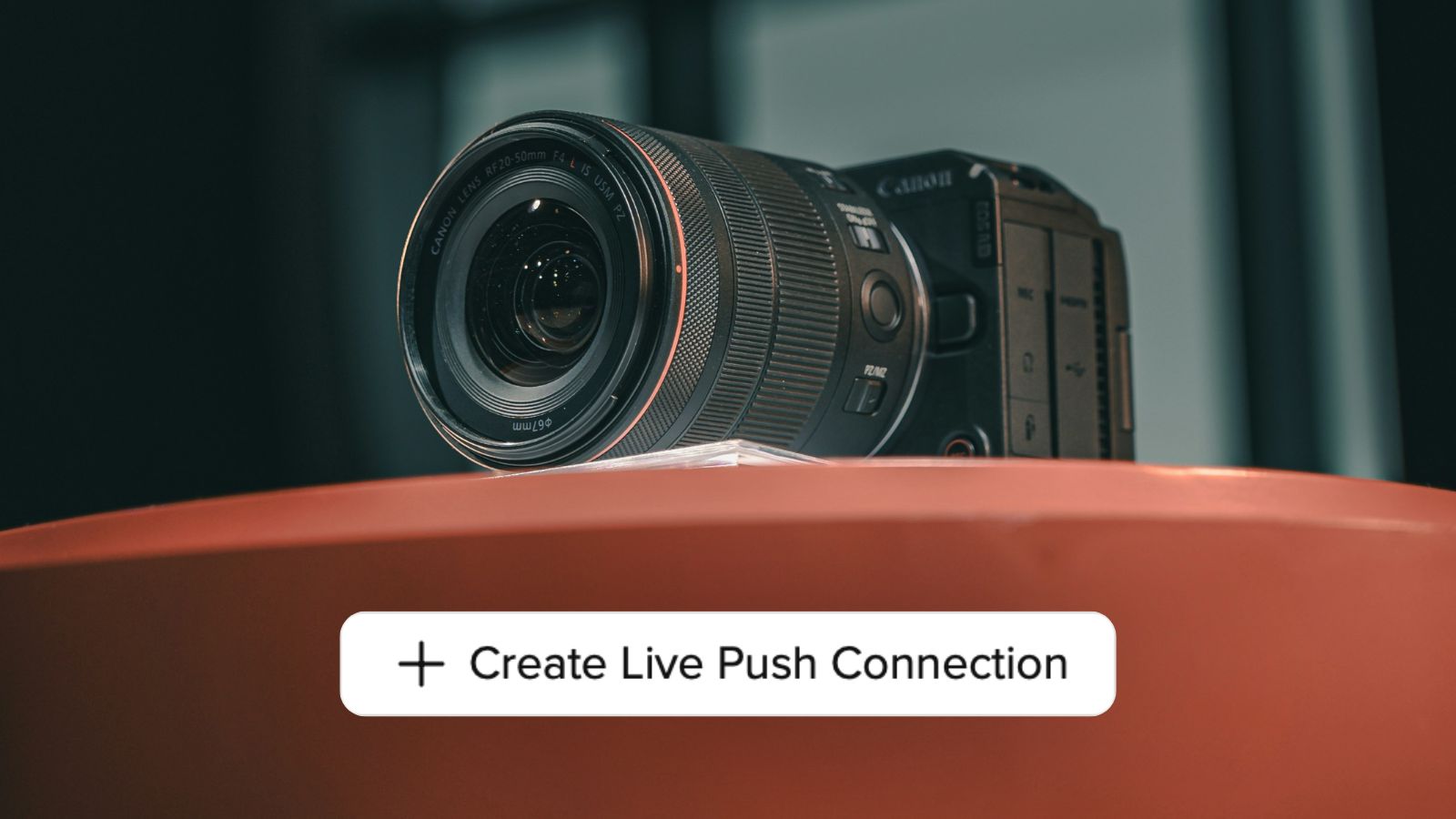
A Live Push connection is created in picdrop and linked to a target gallery. picdrop then provides the access details that need to be entered once in the camera.
After that, the camera can send new images directly to the selected gallery via FTPS. No manual upload or additional confirmation in picdrop is needed.
The target gallery can be changed anytime in picdrop. This makes it possible to use the same camera setup for different jobs, events or clients without reconfiguring the camera every time.
New images appear automatically in the gallery, just like regular uploads. Multiple photographers can also shoot into the same gallery at the same time. This is especially useful when a team is working with several perspectives, cameras or photographers during an event.
Availability
The number of Live Push connections depends on your plan. The Pro plan includes 1 Live Push connection, the Advanced plan includes 5 connections, and Business and Enterprise plans include unlimited connections.
Live Push is not included in the Free plan.
Good to know
Live Push works with cameras that support FTPS. The camera also needs an active internet connection during the shoot, for example via Wi-Fi or a mobile hotspot.
Try Live Push
Whether it’s a sports event, trade fair, press appointment or live production: with Live Push, images land faster where they are needed.
You’ll find more information about setup and usage in our FAQ.
Questions or feedback? Write to us anytime at hello@picdrop.com. We’re happy to help.