


Dropbox is a popular cloud storage platform for storing and sharing photos. But for professional photographers who send high-resolution images, RAW files, or curated galleries to clients, it quickly shows its limits. For example, there is no native photo selection tool, no way to annotate specific photo edits, and no branded photo gallery experience to elevate your professional image.
In this blog, we compare the best Dropbox alternatives for professional photo sharing and client delivery — including picdrop. We’ll evaluate their photography-related features, such as lossless image transfer, zero-login online galleries, and Lightroom integration, to help you choose the right photography tools to replace Dropbox.
Why Dropbox Falls Short for Professional Photo Delivery
Many professional photographers use Dropbox because it serves two purposes: a basic image transfer and cloud storage for backups. However, a professional photo delivery workflow requires features that generic cloud storage simply doesn’t offer.
Dropbox Workflow Limitations for Photographers
The friction of using Dropbox to share photos with clients and teams occurs when:
- Photo selection becomes manual. You send 300 photos. The client has to type filenames into an email or spreadsheet. Then, you have to manually hunt those files down on your hard drive and export them to photo editing software.
- Photo feedback is fragmented. Comments are scattered across email threads and WhatsApp messages rather than pinned to a specific pixel.
- The photo presentation aesthetic is generic. A “folder list” view doesn’t convey the premium value of high-end photography services.
Dropbox’s Data Privacy and AI Concerns
Beyond workflow, there’s the AI-privacy concern of Dropbox that worries some photographers, like this thread on Reddit.

As of 2025/2026, Dropbox’s integration with third-party AI models (like OpenAI) has raised eyebrows regarding data scraping. For photographers handling sensitive commercial work or unreleased intellectual property, a “Zero AI” platform is a contractual necessity.
Dropbox is a strong general cloud storage platform, but for professional photographers, storage alone isn’t enough. You also need secure client proofing, clear data privacy standards, and a delivery workflow built specifically for photography. Below, we compare the best Dropbox alternatives designed to support those needs.
Best Dropbox Alternatives for Professional Photo Delivery
1. picdrop: The Best Dropbox Alternative for Professional Photographers
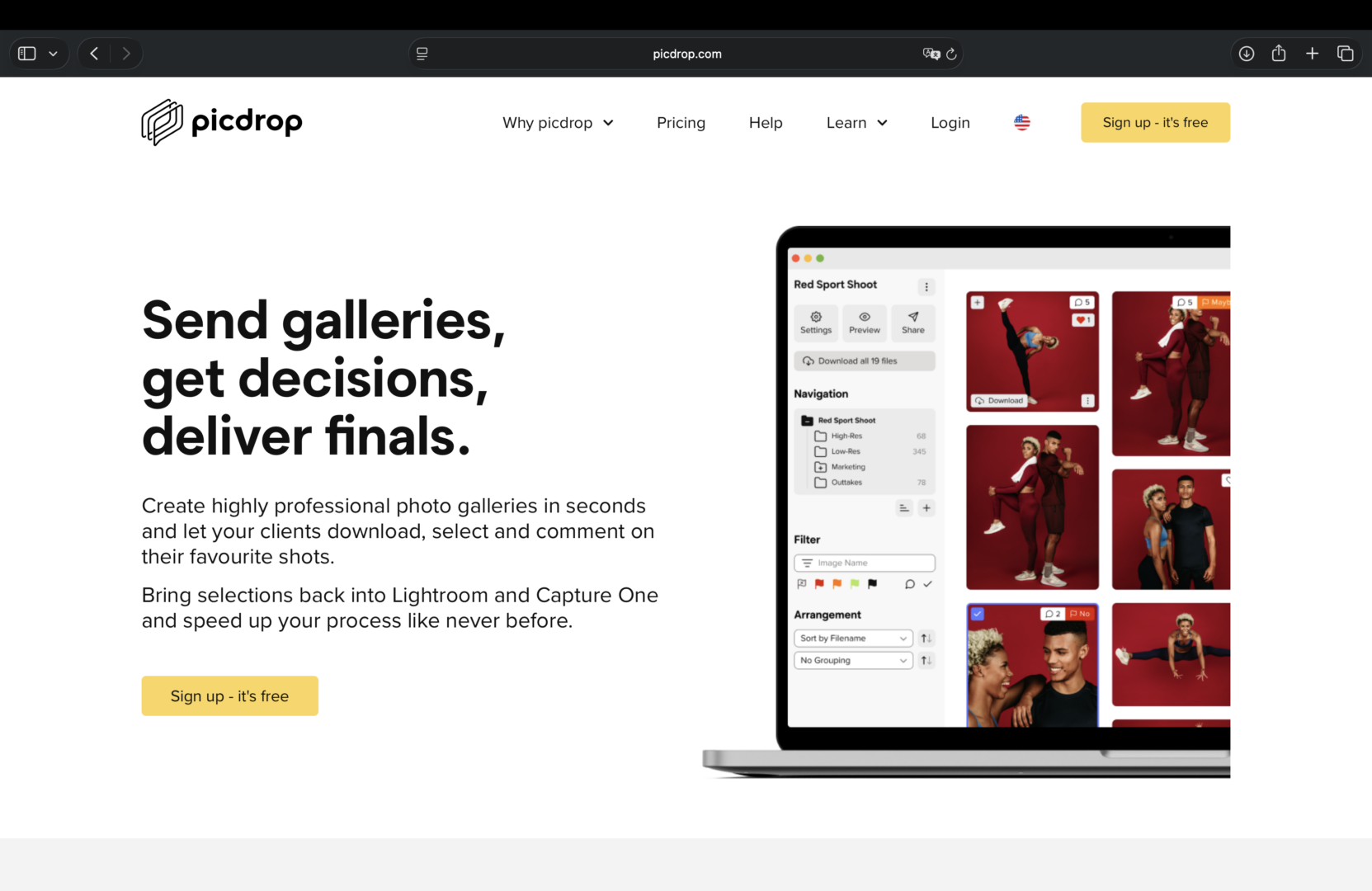
picdrop is a purpose-built client photo delivery platform for professional photographers and creative teams. Unlike Dropbox, it covers the full post-shoot workflow — from photo proofing and client selection, to final delivery — all in one place.
Why picdrop Outperforms Dropbox for Photo Delivery
- Zero AI and GDPR compliance: with picdrop, your creative intellectual property is never used for AI training. The platform is also fully GDPR compliant, offering a level of security that many US-based cloud providers often lack.
- Flag selected photos: use the “Yes/No/Maybe” color flags to let clients rapidly cull their own shoots. For group photo sessions, use the “liking” system to vote for the best photos.
- Integration with photo editing tools: picdrop enables you to export client selection file names directly to Adobe Lightroom Classic and Capture One. This saves hours of manual file hunting.
- Lossless “true-to-file” image delivery: picdrop supports major photo and video file formats (RAW, TIFF, PSD, JPG, MP4, and MOV). Files are delivered at full resolution, ensuring your clients see the exact color and detail you intended.
- No login required: client can access their files without registration or downloading an app. Simply click on the link (or scan the QR code), enter the password, and be done.
picdrop’s Branded Client Galleries for Professional Photographers
Dropbox may work for file transfers, but it doesn’t offer built-in branded photo galleries like picdrop.
With picdrop, you can create customizable online client galleries that elevate how your work is presented. Simply switch between the photo proofing solution (for image selection and feedback) and image sharing solution (for the final, polished gallery reveal), and choose your preferred design.
Add your logo, set a custom background, and present your photos in a clean, mobile-responsive layout that reflects the quality of your work.
Who Should Use picdrop as a Dropbox Alternative for Client Photo Sharing?
picdrop is best for professional photographers looking for a focused Dropbox alternative that handles photo proofing, client selection, and high-res photo delivery all in one tool.
2. Google Drive: Built for File Storage, not Photo Delivery
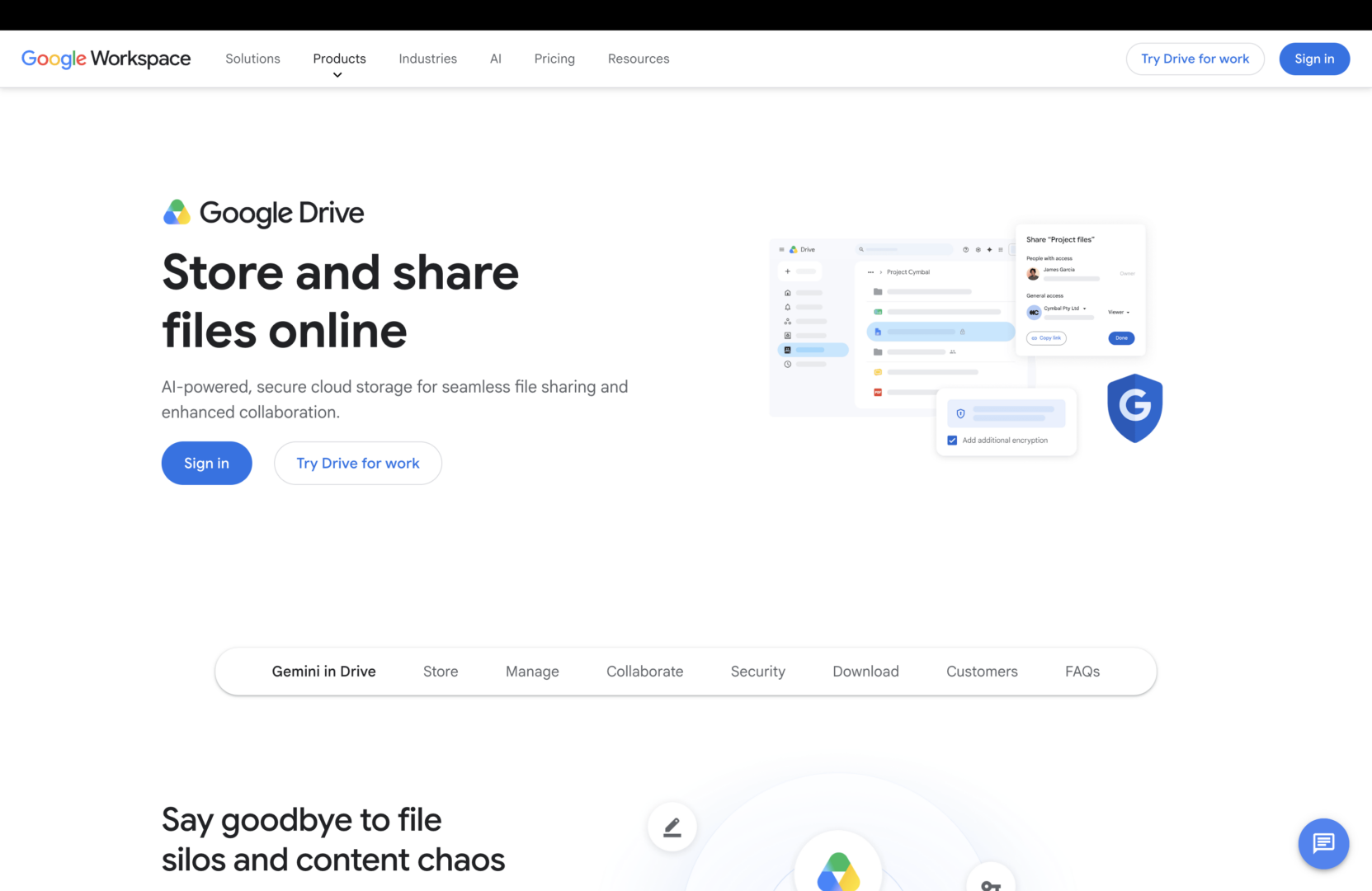
Google Drive is the default starting point for most photographers who need a free solution to share photos with clients. If you’re already in the Google ecosystem, the logic is simple — you have it, your clients have it, it works.
Pros of Google Drive
For basic photo sharing, Google Drive does the job. You can upload RAW and TIFF files, control access permissions, and share via link without requiring a client account. For quick one-off photo deliveries to clients who just need the files, Google Drive is a reasonable option.
Cons of Google Drive
- No client selection tools: like Dropbox, Google Drive has no photo selection tool and only supports text-only comments with no on-image annotation.
- Lack of branding: Google Drive interface is a generic file browser with no branding or customization to create a beautiful client gallery.
- Storage fragmentation: storage is also shared across your entire Google Workspace. This means large RAW libraries eat into the same quota as your emails and documents, which adds up fast for active photographers.
For photographers also working with marketing teams or agencies, see how picdrop compares to Google Drive.
Who Should Use Google Drive as a Dropbox Alternative?
Google Drive is best for photographers who need a free, no-setup option for occasional photo sharing with clients, and don’t need proofing or selection tools.
3. WeTransfer Pro: Best for One-Time Image Delivery
Most photographers have used WeTransfer for “one-and-done” file sends. While the free version is fine for small batches, WeTransfer Pro is a more direct Dropbox alternative for high-res image delivery.
Pros of WeTransfer Pro
- High-speed large-file delivery: it is arguably the fastest way to share large batches of RAW and TIFF files up to 200GB.
- Direct file discovery: there is no folder structure for the client to get lost in. They get a link and click download.
- Real-time notifications: you get clear notifications when a client has actually received and downloaded the files, which is vital for deadline-heavy commercial work.
Cons of WeTransfer Pro
- Not a long-term photo gallery: WeTransfer is essentially a file-transfer tool, not a place to collect your work. Even with longer expiration dates on the file transfer link, it doesn’t offer a persistent, searchable photo gallery for your clients.
- Lack of feedback tools: it works well for final photo delivery, not for photo feedback. If a client needs a revision, the conversation has to move to email, since there is no way for clients to flag favorites or annotate images.
Who Should Use WeTransfer Pro as a Dropbox Alternative?
WeTransfer Pro is best for photographers who need a quick way to send final files to agencies or editors who don’t need a photo proofing gallery.
4. Cloudspot: Combine Photo Sharing with Photography Business Platform
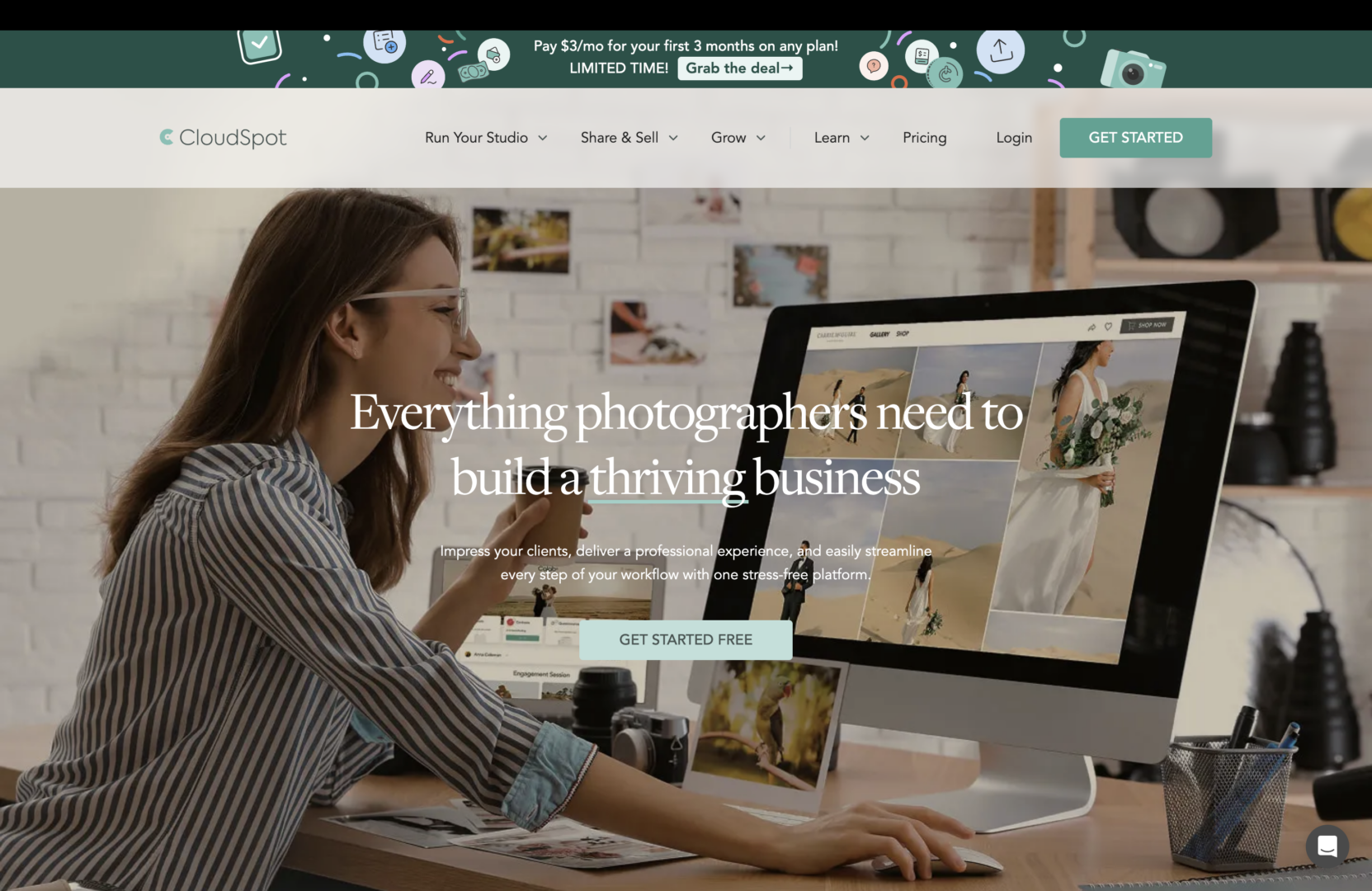
As an all-in-one studio management platform, Cloudspot is a popular Dropbox alternative for photographers who want more than just file delivery. It combines client galleries with core business tools like CRM, contracts, invoices, and lead forms, creating a centralized workspace for managing both projects and clients.
For photographers who prefer running their business from a single dashboard rather than juggling multiple apps, Cloudspot integrated approach can simplify day-to-day operations.
Pros of Cloudspot
- Business integration: Cloudspot bundles client galleries with studio tools like CRM, contracts, invoices, and lead forms.
- Client portals: It provides a dedicated space for repeat clients to log in and see all their past shoots.
Cons of Cloudspot
- Limited RAW support: Cloudspot is primarily built for JPG delivery. If your workflow requires delivering RAW, TIFF, or PSD files, it’s not as robust as Dropbox.
- Feature overload: if you already have accounting or contract software, Cloudspot’s extra features can become unnecessary.
- Slower culling: it lacks the rapid, high-volume proofing and “smart filter” selection tools found in platforms built purely for the post-production workflow.
Who Should Use Cloudspot as a Dropbox Alternative?
Cloudspot is a great choice for photographers who deliver finished JPGs and want an all-in-one tool to manage their client business and billing.
5. SmugMug: Photo Delivery and Print Store Service in One
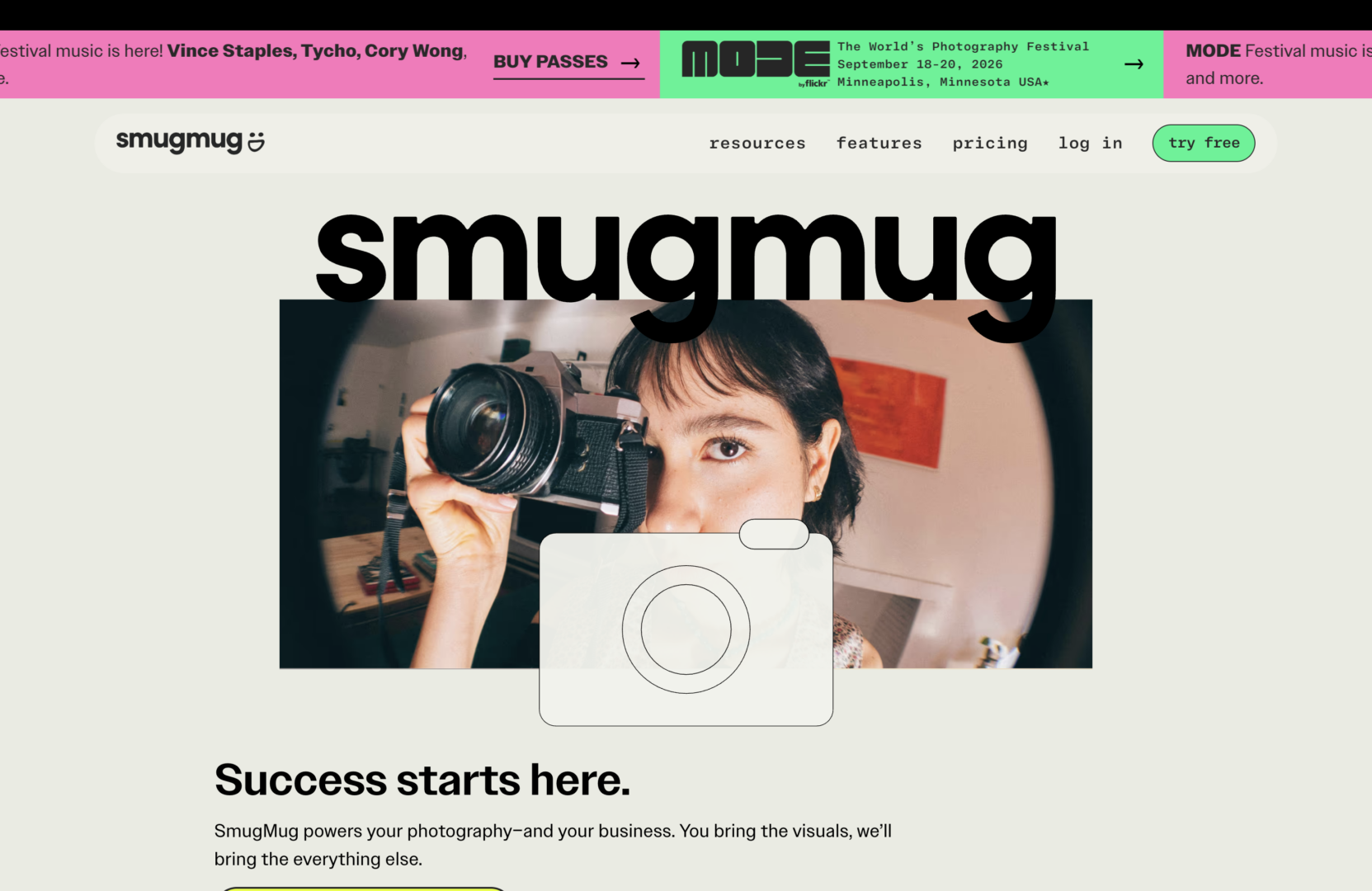
SmugMug offers photography business features that help set up a complete storefront. If your goal is to host a permanent portfolio and sell physical products, SmugMug is a powerful Dropbox alternative.
Pros of SmugMug
- Built-in print sales and fulfillment: SmugMug connects directly to professional photo labs. This enables your client to order a canvas print directly from your gallery, and you collect the profit.
- Custom portfolio website: SmugMug also acts as a website builder. You can map it to your own domain name, giving you a professional look that Dropbox’s folder structure can’t provide.
Cons of SmugMug
- Manual file upload: Dropbox’s biggest strength is its “set it and forget it” desktop sync. With SmugMug, you must manually log in and upload files to specific galleries.
- Rigid file organization: in Dropbox, you can drag and drop any file type into any folder structure. SmugMug is strictly gallery-based. It is much harder to organize non-image assets (like PDFs or licensing contracts) alongside your photos.
- No RAW storage on basic plans: unlike Dropbox, which treats RAW files like any other data, SmugMug’s lower-tier plans are primarily optimized for JPEG delivery. This can be limiting for photographers who need to store or share RAW files without upgrading to a higher plan.
Who Should Use SmugMug as a Dropbox Alternative?
SmugMug is best for photographers who want print sales and a branded client website bundled with their delivery.
Dropbox vs. picdrop for photo delivery: What's the Difference?
Both Dropbox and picdrop let you store and share photos via link, but they’re built for different jobs. Here’s how they compare on features that matter most to professional photographers.
| Feature | Dropbox | picdrop |
|---|---|---|
| Primary focus | General file storage | Client photo proofing and delivery tool |
| Gallery presentation | Generic folder/file list | Branded, customizable client gallery |
| Photo selection or proofing features | None | Yes, by flagging (Yes/No/Maybe flags) and liking |
| Annotations | Simple text comments, pinning them on photos | Leave comments and draw directly on images for area-specific feedback |
| Lightroom or Capture One export | No | Direct file name export to Lightroom and C1 |
| Client login required | Sometimes | Zero login (access via link or QR code, password protected) |
| File format support | Broad but generic preview | RAW, TIFF, PSD, JPG, MP4, MOV — high-res photos with native preview |
| AI data privacy | No straightforward statement on whether stored data is excluded from AI processing (source) | Zero AI and GDPR compliant |
| Pricing | Free plan available, paid starts at $9.99 per month | Free plan available, paid starts at $15.99 per month |
Which Dropbox Alternative Is Right for You?
The “best” alternative to Dropbox depends on where the bottleneck exists in your photography business:
- Google Drive: best for the “budget-first” photographer doing occasional, low-volume file shares with clients who already live in the Google ecosystem.
- WeTransfer Pro: best for high-speed, “one-and-done” deliveries of massive files (like 100GB+ video projects) where a long-term gallery isn’t needed.
- Cloudspot: best for photographers who want to bundle their gallery delivery with an all-in-one suite for contracts and invoicing.
- SmugMug: best for photographers whose business model relies on automated print sales and hosting a permanent public portfolio website.
- picdrop: best Dropbox alternative for professional photographers looking for a focused client photo sharing tool that handles photo proofing, client selection, and high-res photo delivery — all in one place.
Ready to upgrade your photo delivery workflow?
If you’re tired of chasing clients for file names and managing feedback via scattered emails, it’s time to move beyond the generic photo transfer tool like Dropbox.
Try picdrop free and join 200,000+ photographers already using it.
FAQ: Best Alternative Tools to Dropbox for Sharing Photos with Clients
What Is the Best Dropbox Alternative for Photographers?
The best Dropbox alternative for photographers is picdrop. While Dropbox is built for general file storage and transfer, picdrop is purpose-built for professional photo delivery with client galleries, photo selection tools, image annotations, and direct Lightroom and C1 file name export.
Is picdrop Better Than Dropbox for Commercial Photographers?
picdrop is better than Dropbox for commercial photographers who need more than just a file transfer tool. Dropbox moves files, whereas picdrop manages the full delivery workflow. Clients can select photos, leave annotated feedback, and download final images from a branded gallery, all without creating an account. For commercial photographers delivering RAW and high-res files to clients regularly, picdrop is the more productive choice.
What Is the Best Way to Send High-Res Photos to Clients Without Losing Quality?
The best way to send high-res photos to clients without losing quality is to use a dedicated photo delivery platform like picdrop. Unlike general file sharing tools that may compress files, picdrop delivers popular photo and video formats (e.g., RAW, TIFF, PSD, MP4, MOV) at full resolution with zero compression. Clients access their photos via a simple gallery link, no account required.
Is Dropbox Good for Photographers?
For photographers, Dropbox works well for basic storage and file sharing. It supports RAW files, flexible folders, and simple link sharing. But it lacks built-in photo selection, branded galleries, and Lightroom or Capture One export. For professional client delivery, a dedicated platform like picdrop is the better fit.