
What is the Content Search in picdrop?
The Content Search is our new AI-powered search feature in picdrop, and it helps you find images in your account super fast based on content and meaning — not just file names and galleries.
The Content Search is optional and disabled by default, and it is only available in the Advanced, Business and Enterprise plan.
How can I enable the Content Search for my account?
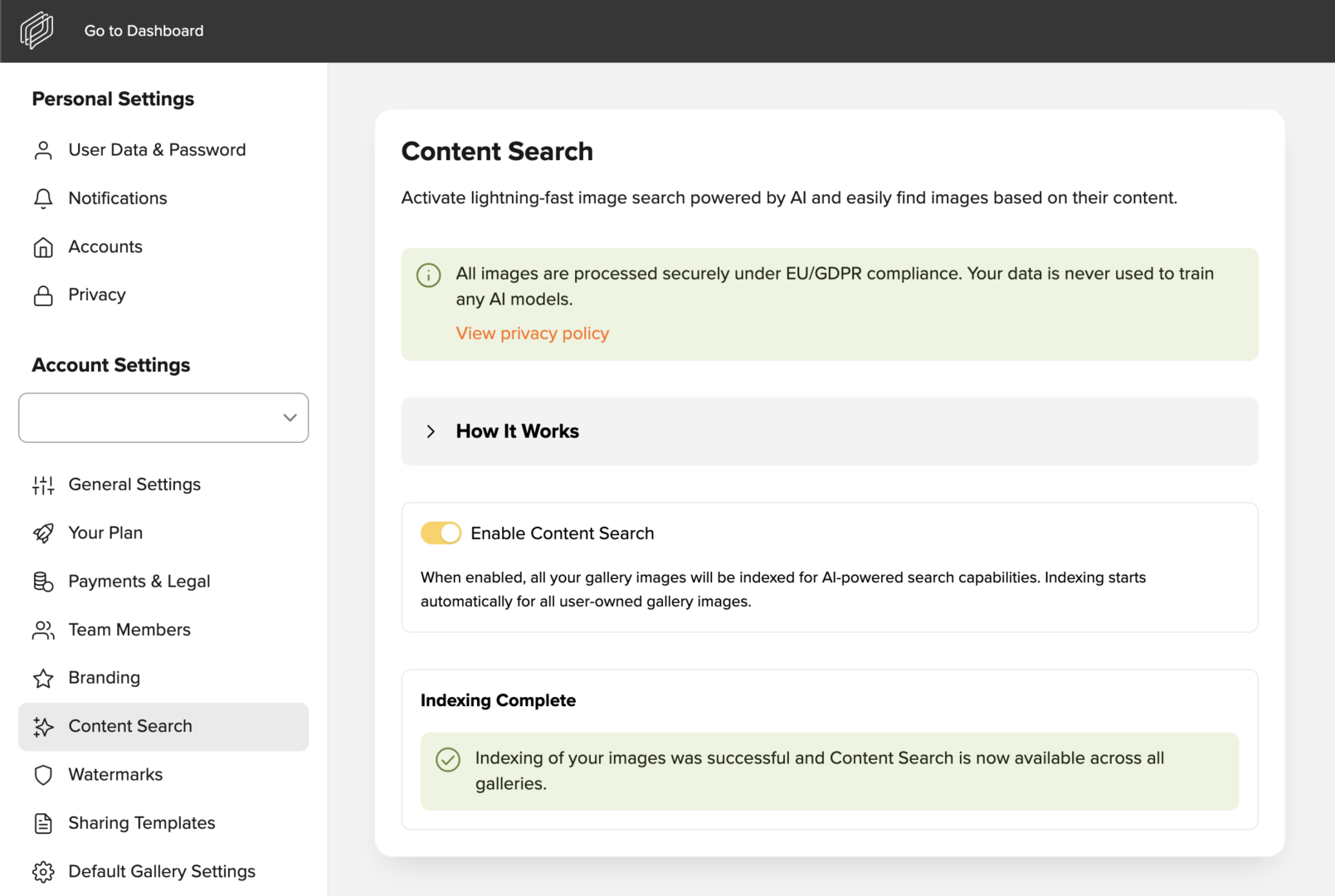
If you have a Business plan, simply open your account settings and go to the Content Search section. There, you can enable the feature by clicking the “Enable Content Search” toggle.
What exactly happens with my data when I use the Content Search in picdrop?
After activating the Content Search in your account settings, the indexing of all images in your account starts. A model analyzes what can be seen in your images — for example, people or objects. This visible content is then translated into a mathematical description so that the images can be searched quickly and specifically later on.
Important: Of course, all data is processed securely and in compliance with EU regulations and the GDPR. Image content is analyzed exclusively on EU servers controlled by picdrop. Your data, image content, and search queries are not used to train or further develop AI models. You can find more information on that in our Privacy Policy.
Using the Content Search:
Once you’ve enabled the Content Search for your account and the indexing of your data is complete, you can search your account using Content Search.
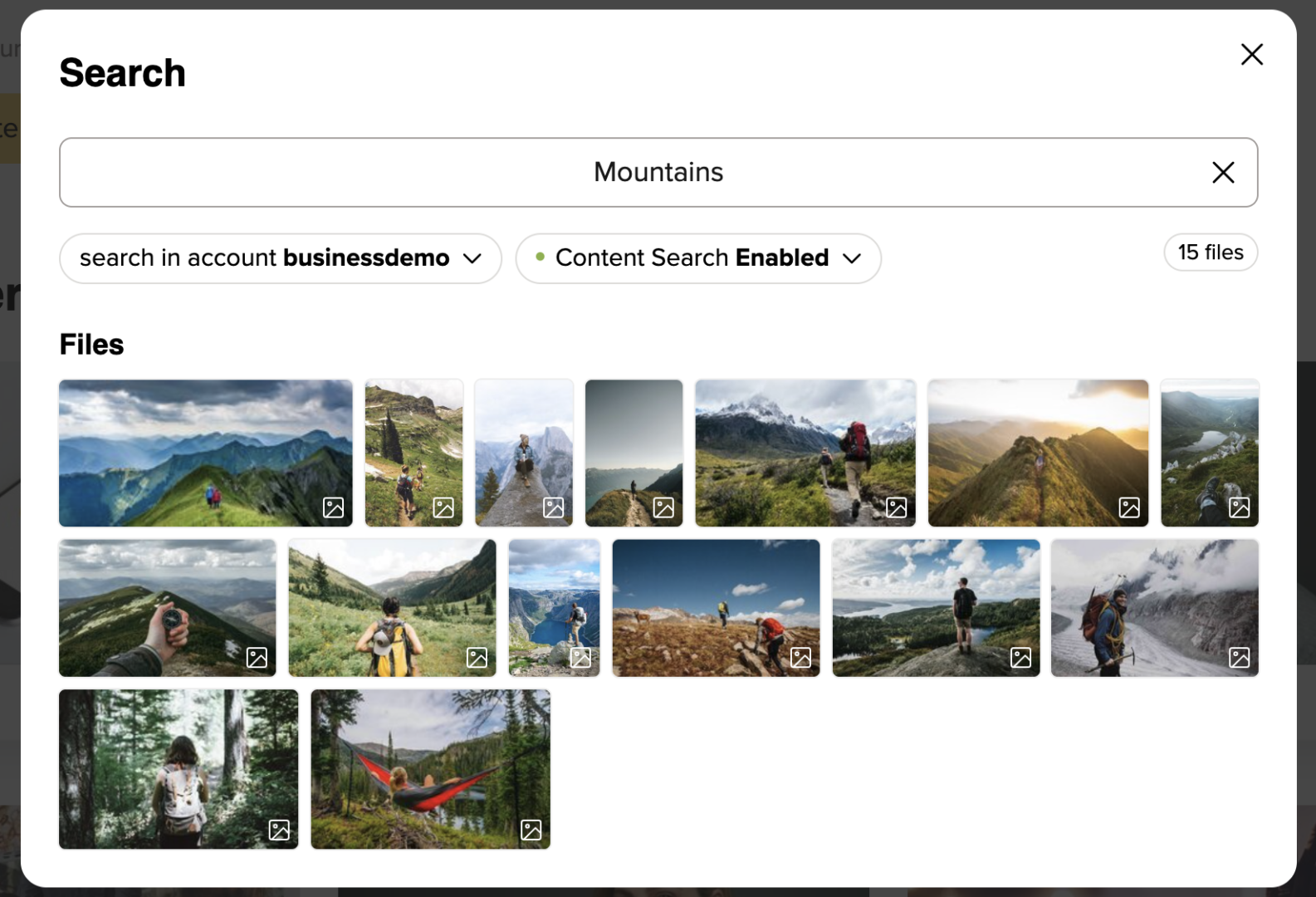
It’s easy — just click the magnifying glass icon in the bar at the top right of the screen. From there, enable the Content Search for your search and select the desired Result Accuracy.

Simply enter a search term, and the Content Search will compare it with the stored image information and then display matching images.
Here are a few quick tips:
The Result Accuracy setting determines how closely the recognized image content must match your search term for an image to appear in the results. With low Result Accuracy, there will also be images included whose content only vaguely resembles your search term. With high Result Accuracy, on the other hand, only images whose recognized content is super close to your search term will be displayed. EXIF and IPTC data are not taken into account in the Content Search.
You can also use the search function to download search results in bulk or add them directly to a collection. We’ll explain how to do this here.
I no longer want to use the Content Search in my account. How can I disable it?
You can disable the Content Search for your account at any time by going to your account settings and turning off the “Enable Content Search” toggle in the Content Search section. If you disable the Content Search for your account, we will automatically delete all data generated during indexing after 30 days.