
Since February 2026, your picdrop account has a new gallery dashboard. Here you’ll find a summary of the most important changes:
Where can I find the old list view?
You now have two options: either use the list view in the top right corner where you can easily switch between the list view and the grid view using the toggle.
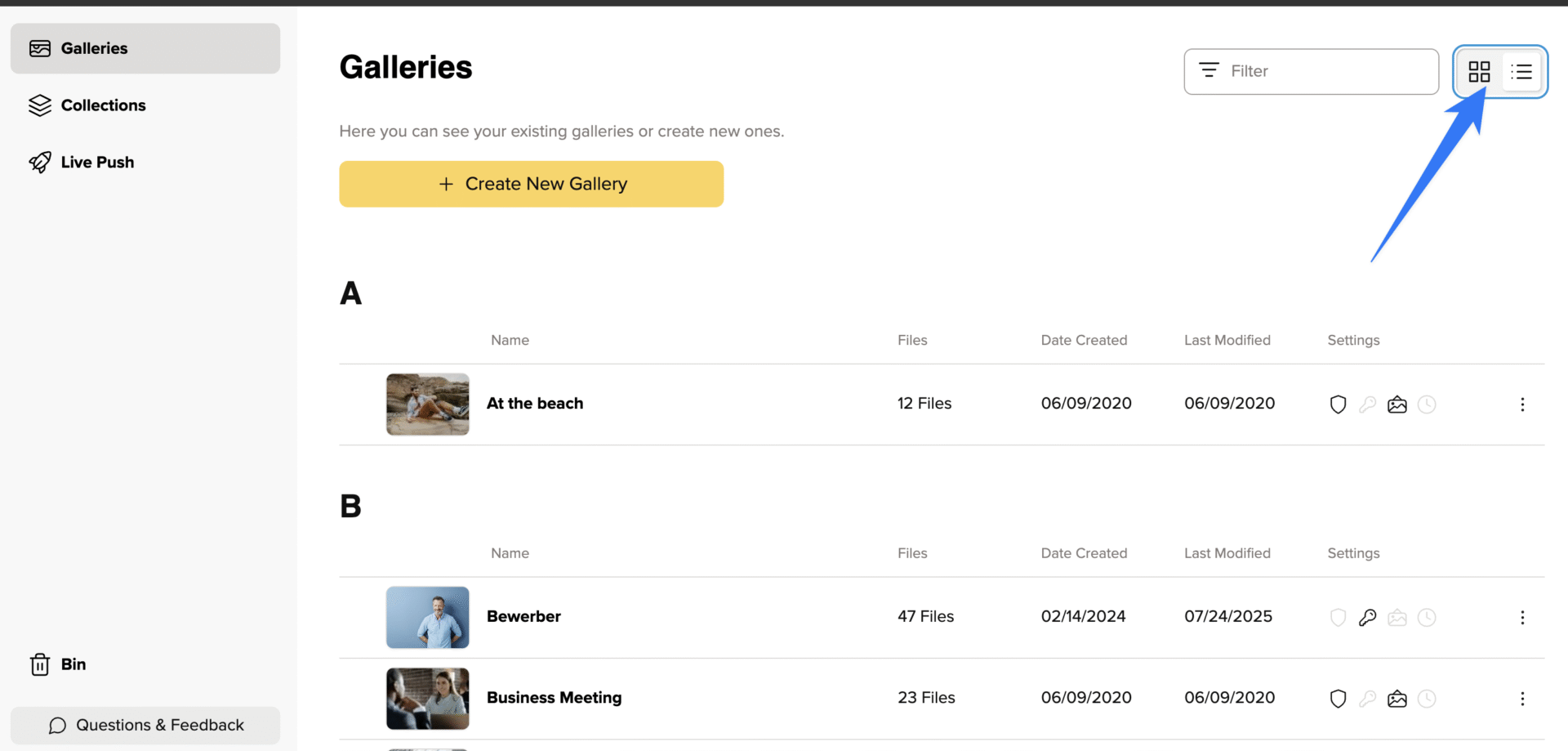
Or you can use the shortcut CMD+G / CTRL+G. This will display the gallery tree as an overlay, and the shortcut works everywhere on Picdrop—except for your account settings.
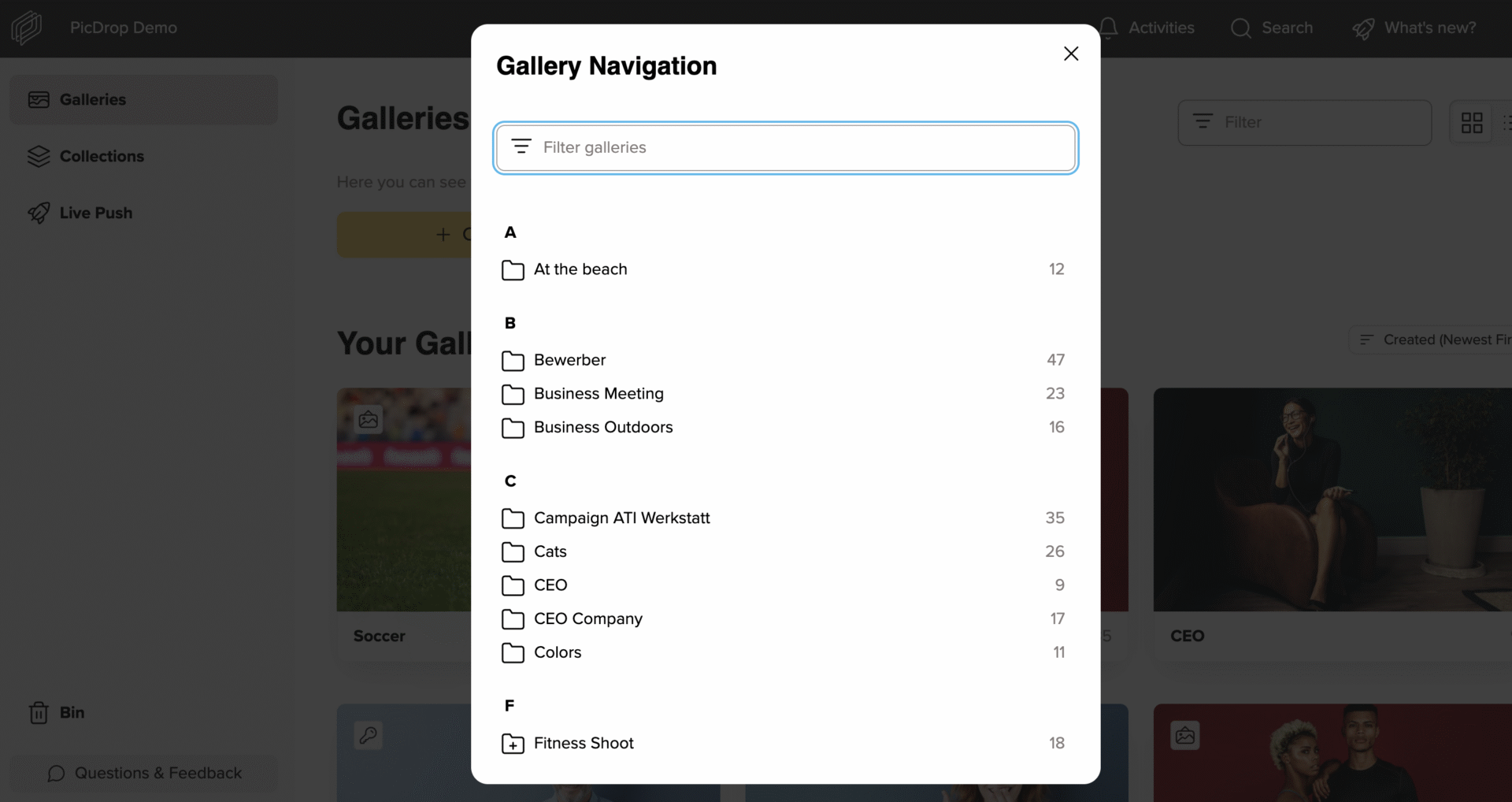
In list view, your galleries are displayed clearly and alphabetically, just like before. You can expand the gallery structure with a single click on the arrow next to the gallery picture.
In grid view, you can continue to choose your preferred sorting by creation date, last modified date, or expiration date.
With the new sidebar, you can now quickly switch between galleries, collections, the bin, and additional features.
What do the small icons mean?
The most important gallery settings are now displayed as small icons directly in the gallery dashboard – in list view you’ll find them on the far right of the list, and in grid view they appear as small icons in the top left corner of the gallery picture.
The icons indicate whether the gallery is set to private or public, whether a password has been set, whether presentation mode is enabled, and whether the gallery has an expiration date.